
Set up a higher education institution
A visual setup sequence for faculties, programmes, semesters, admissions and registry onboarding.
Use this sequence for universities, polytechnics and other higher education institutions. Choose the correct institution profile, then open Setup (/setup). The other handbook has its own setup sequence.
All screenshots below show the running application connected to a fresh demonstration database. Names and records are synthetic. The academic wizard forms illustrate configuration steps; opening a form does not save it. Select a screenshot to read it at full size.
Check the working session
Start with the calendar and structure indicators. Review missing or incomplete items and the links your permissions allow. The readiness count is a configuration aid, not a complete launch acceptance test.
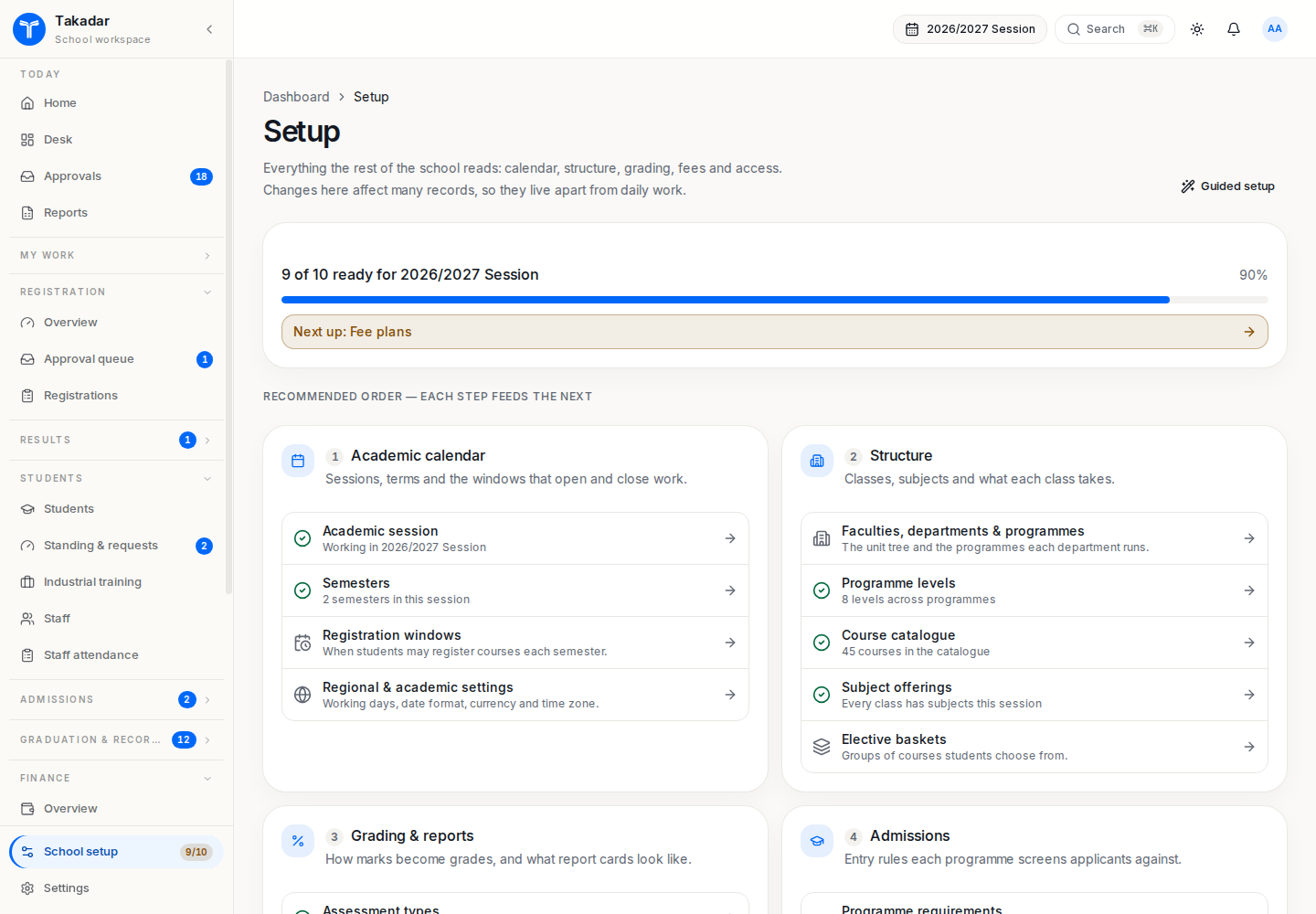
Create the academic calendar
Create the batch session, its dates and semesters.
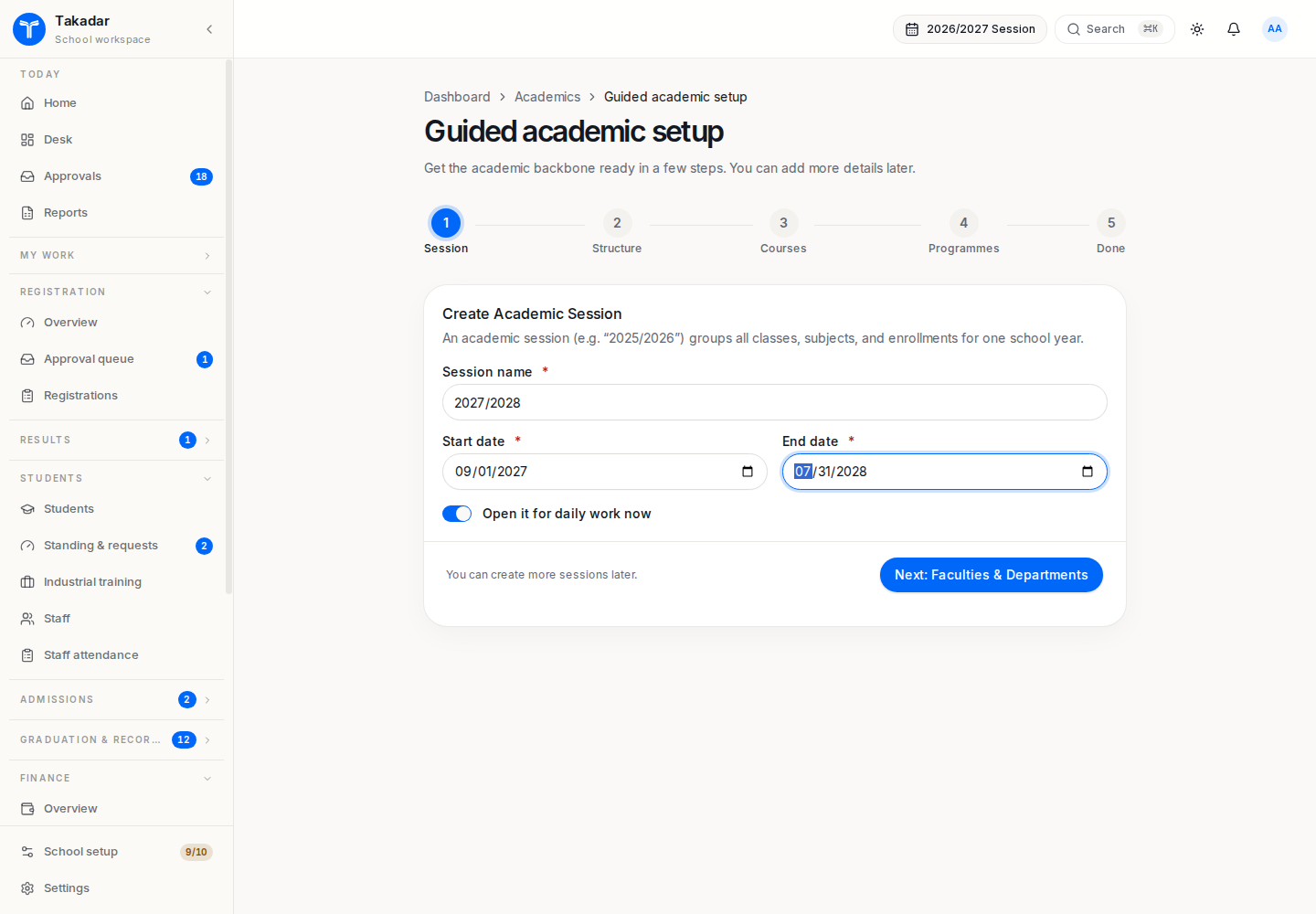
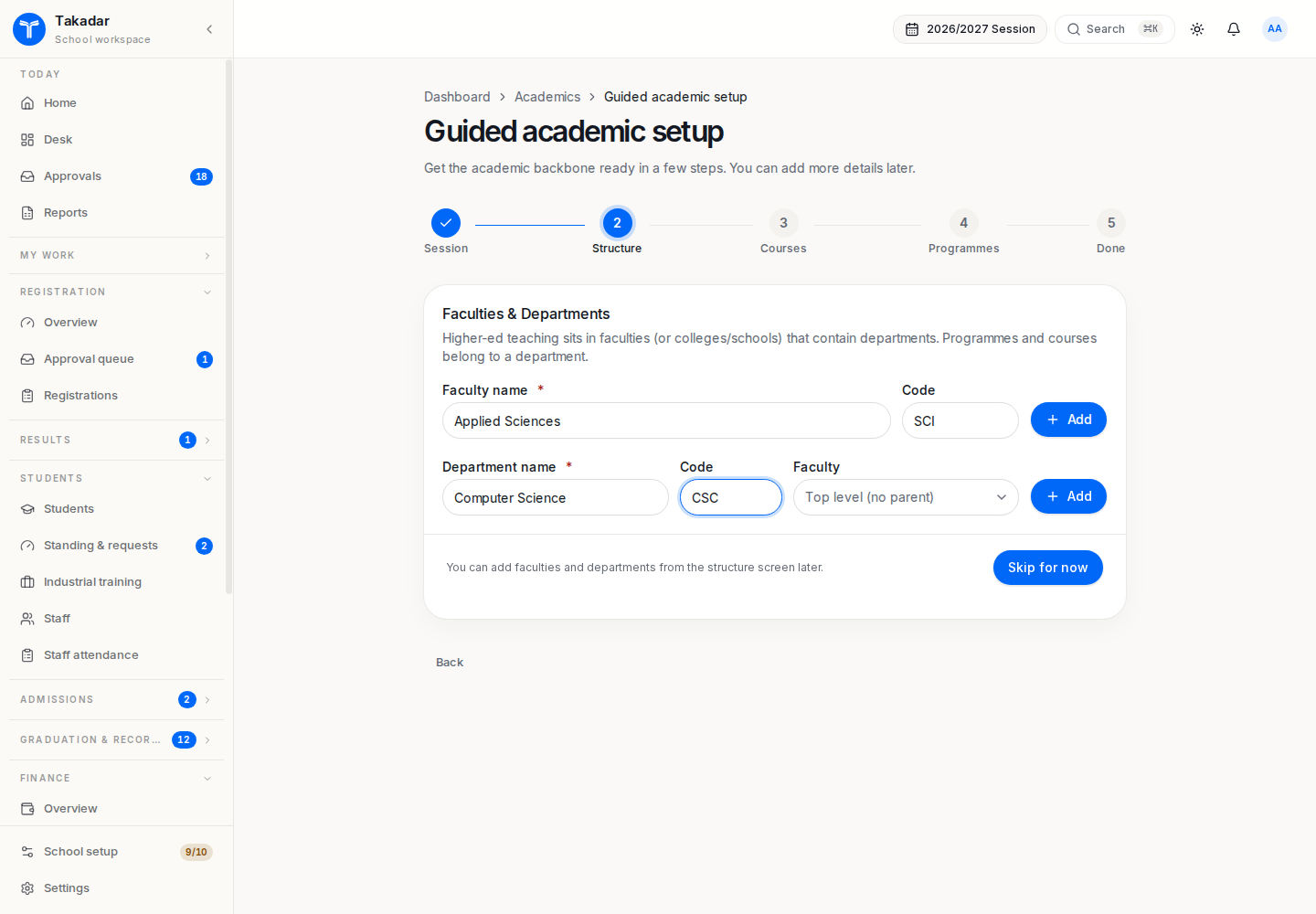
Build the institution structure
Create faculties and departments before programmes and levels. A programme level belongs to its own programme.
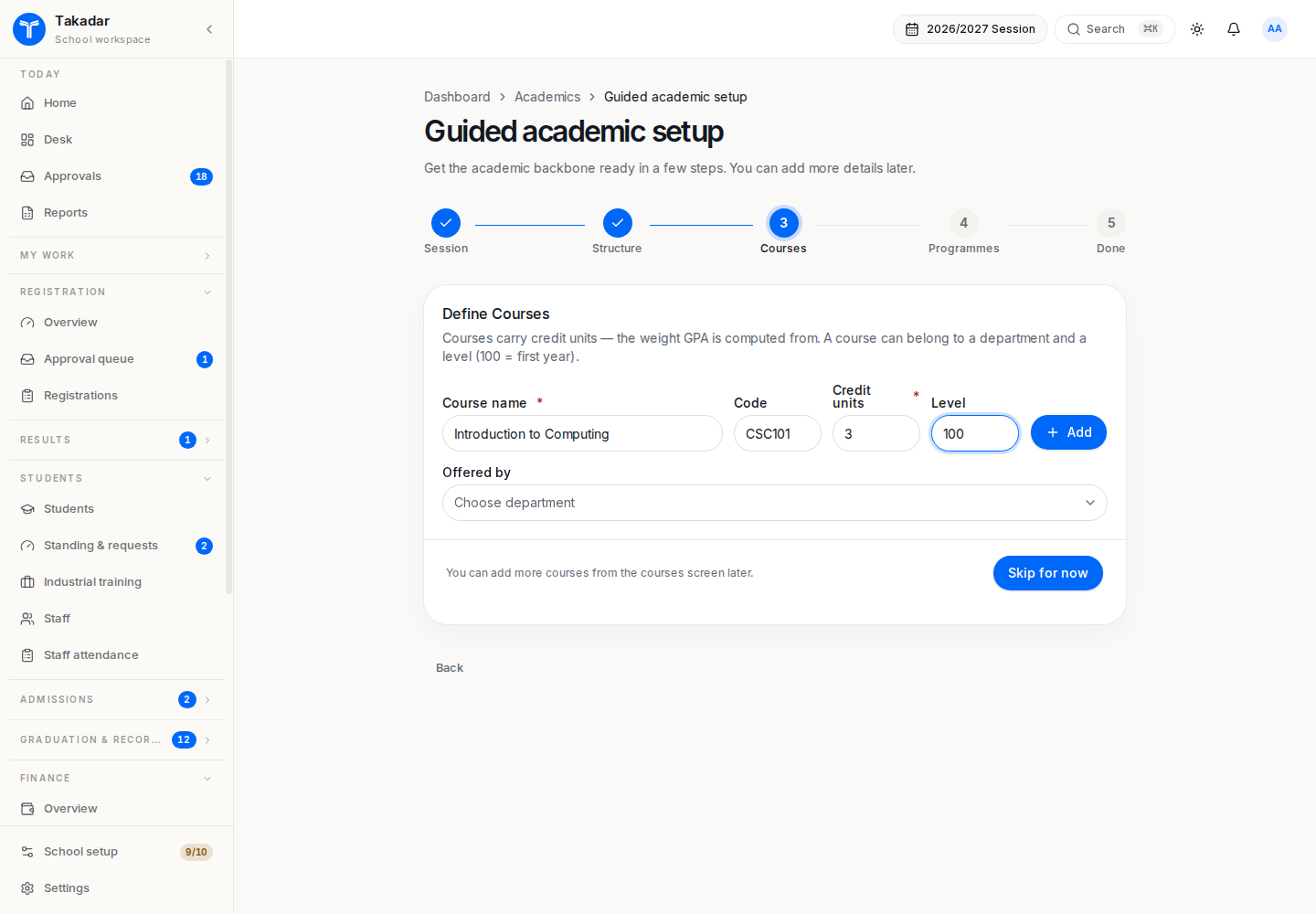
Define courses and credit units
Add course names, codes and credit units. Credit units are required for higher education course registration and credit-weighted GPA.
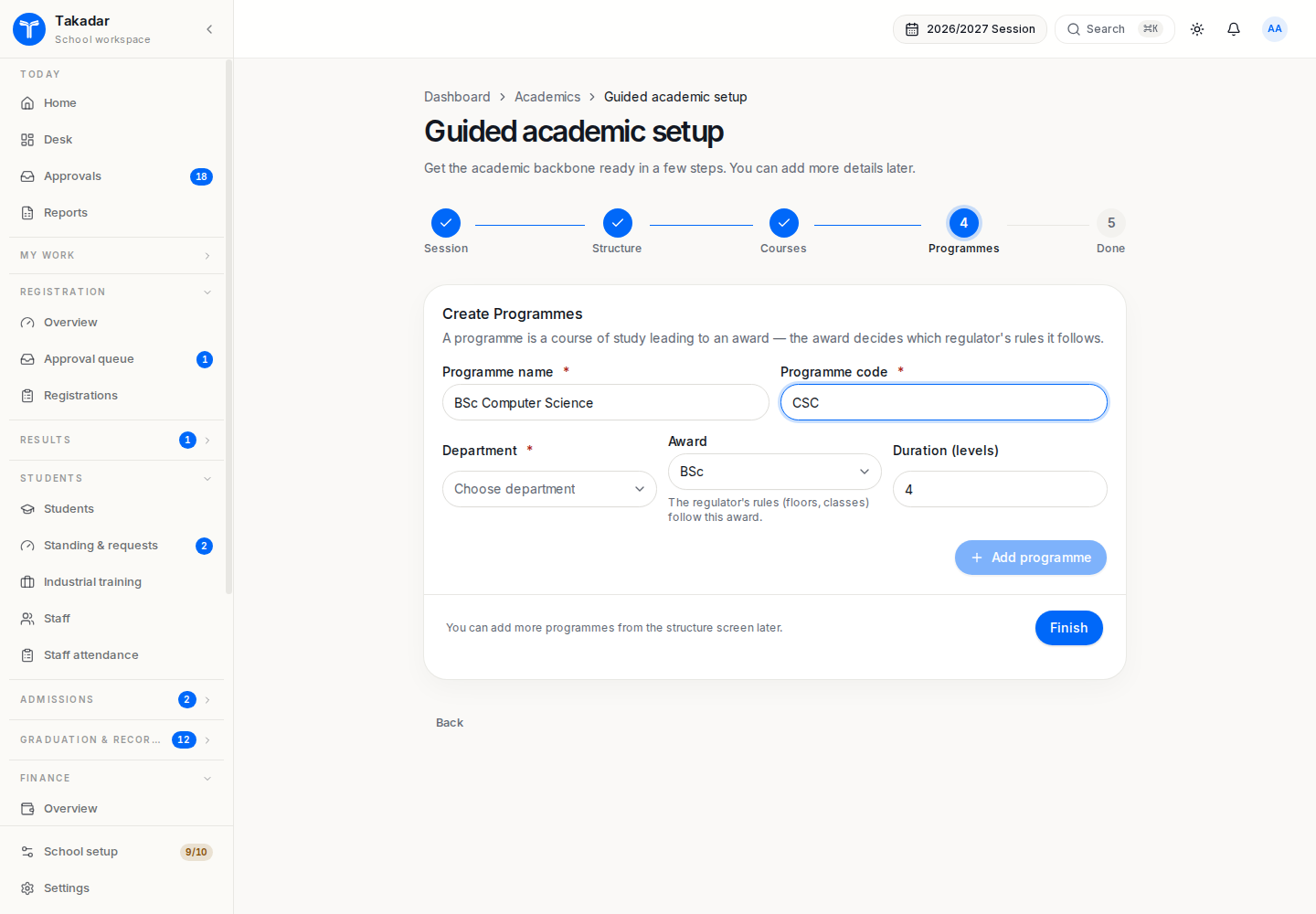
Configure programmes and levels
Set the programme’s award, duration and levels. Check the programme rules, then connect courses and lecturers to the session’s offerings.
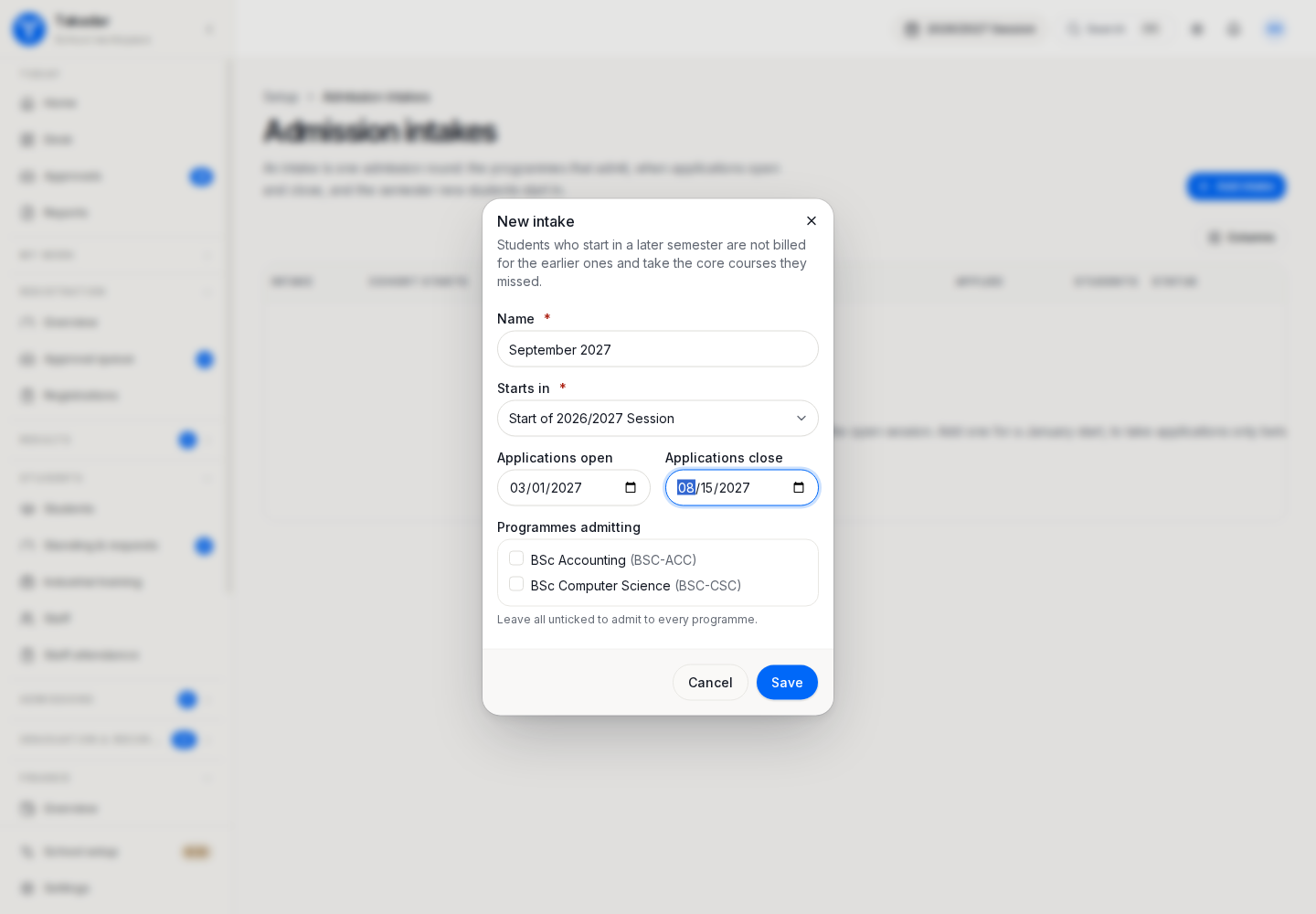
Prepare admissions
Set intake dates, session and joining semester. Configure programme requirements and entry routes before screening or ranking applicants.
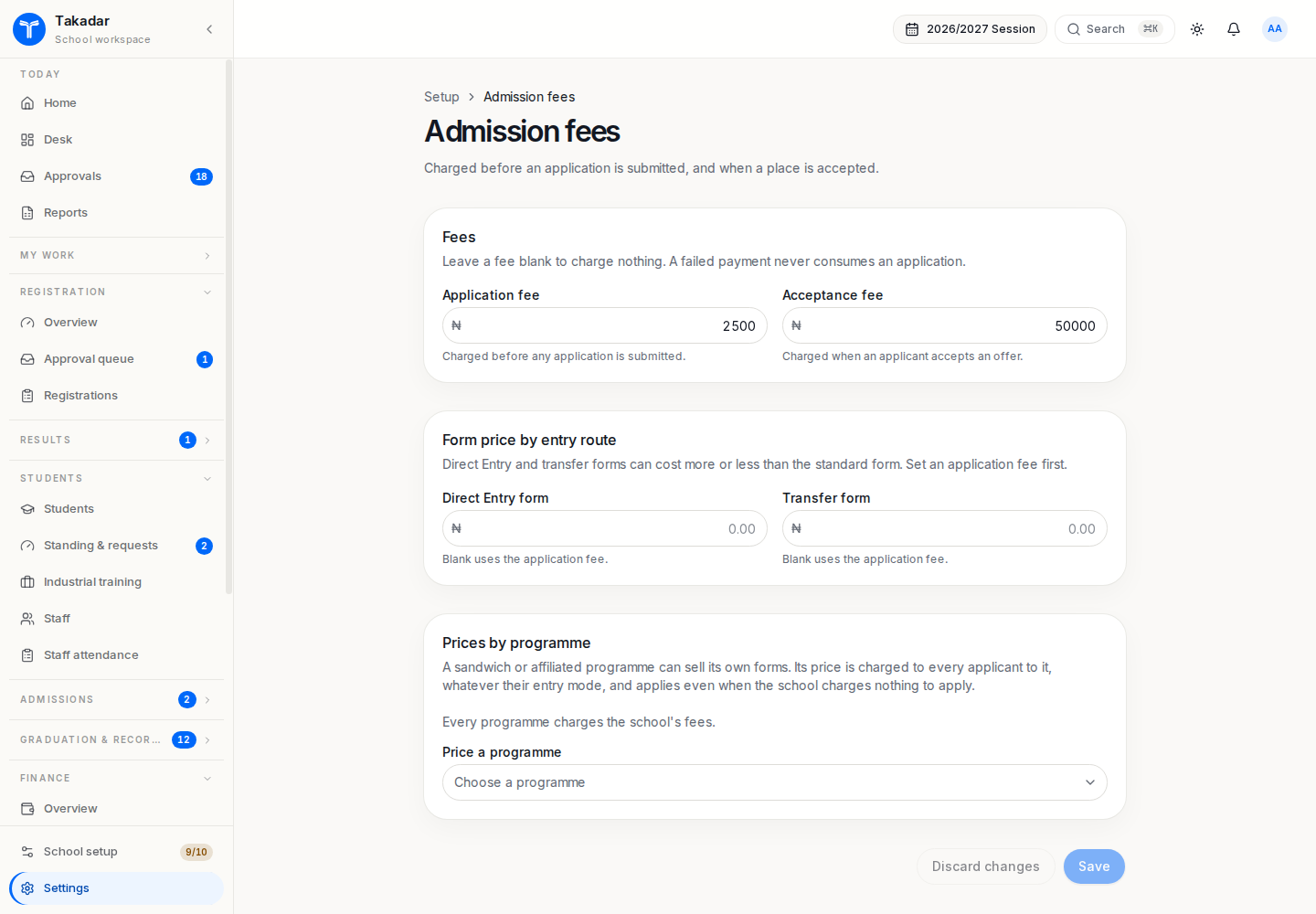
Configure admission charges
Review application and acceptance charges and any supported programme or entry-route overrides. An application payment is separate from later tuition invoices.
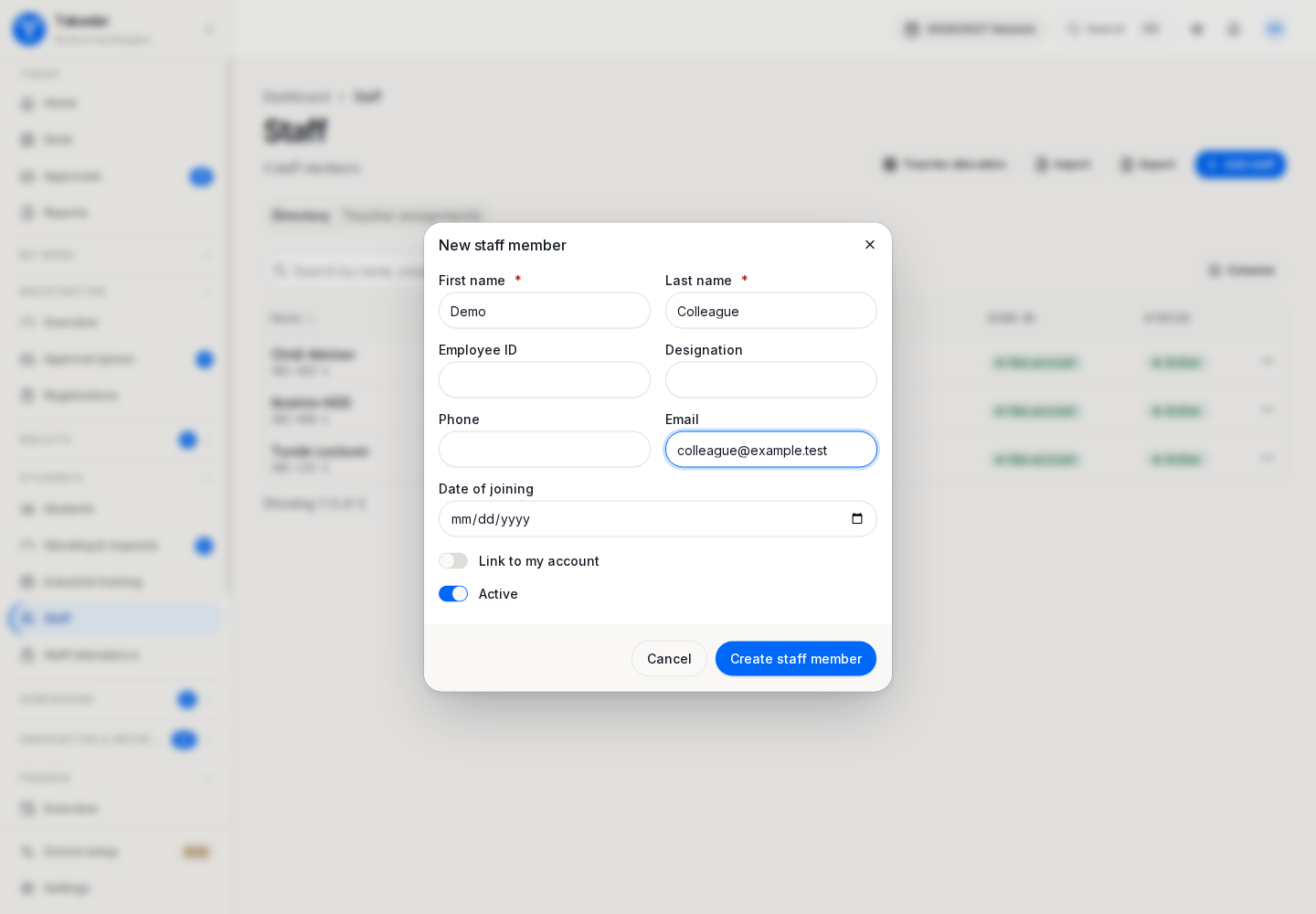
Onboard staff
Create or import staff records. Use the saved staff record’s Access area to assign appropriate roles and scope, then invite staff and allocate lecturers to offerings.
Onboard students
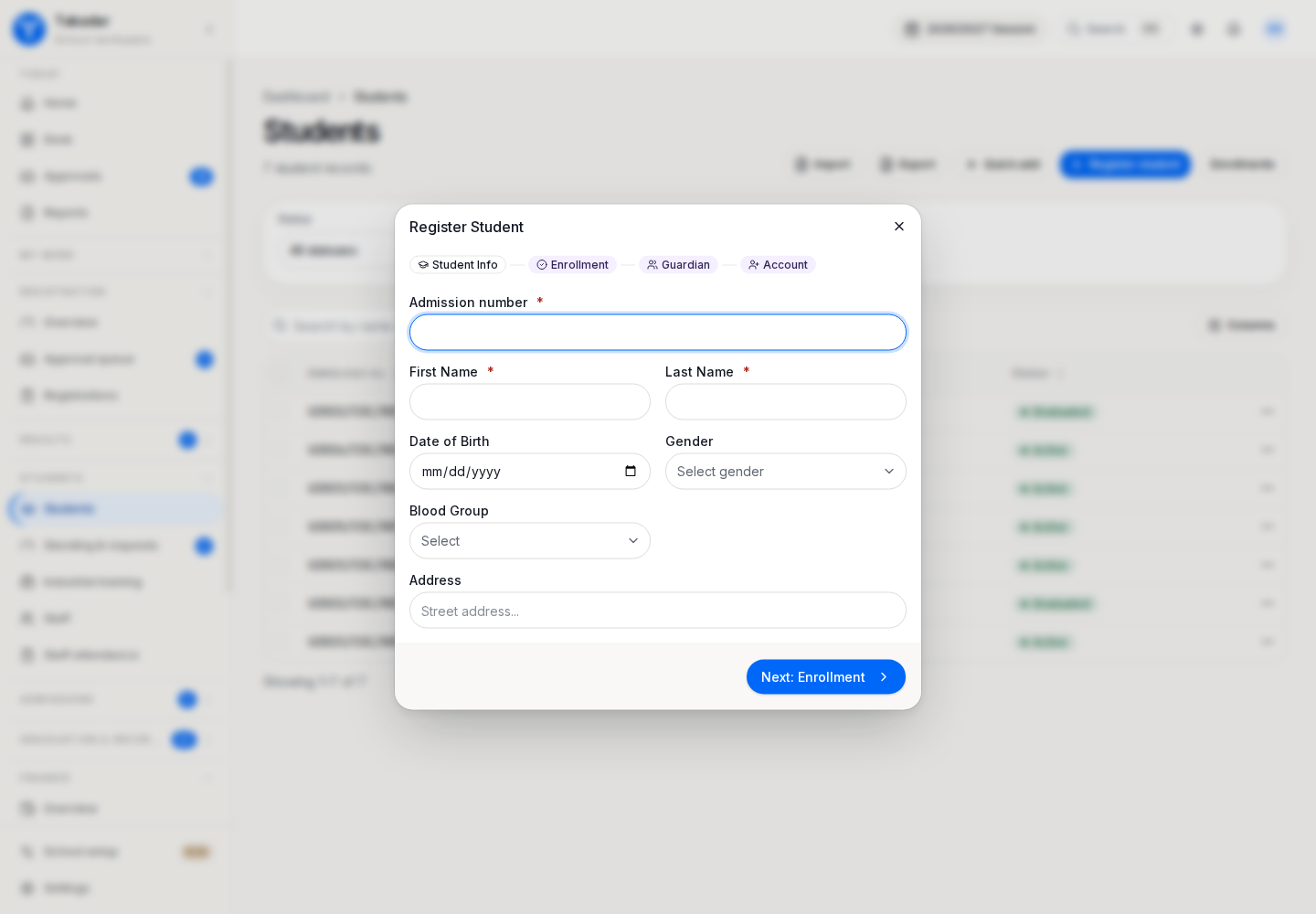
Create the student identity and session placement, or matriculate an accepted applicant. Verify entry mode and entry level. Course-basket registration remains a separate process.
Review saved placements
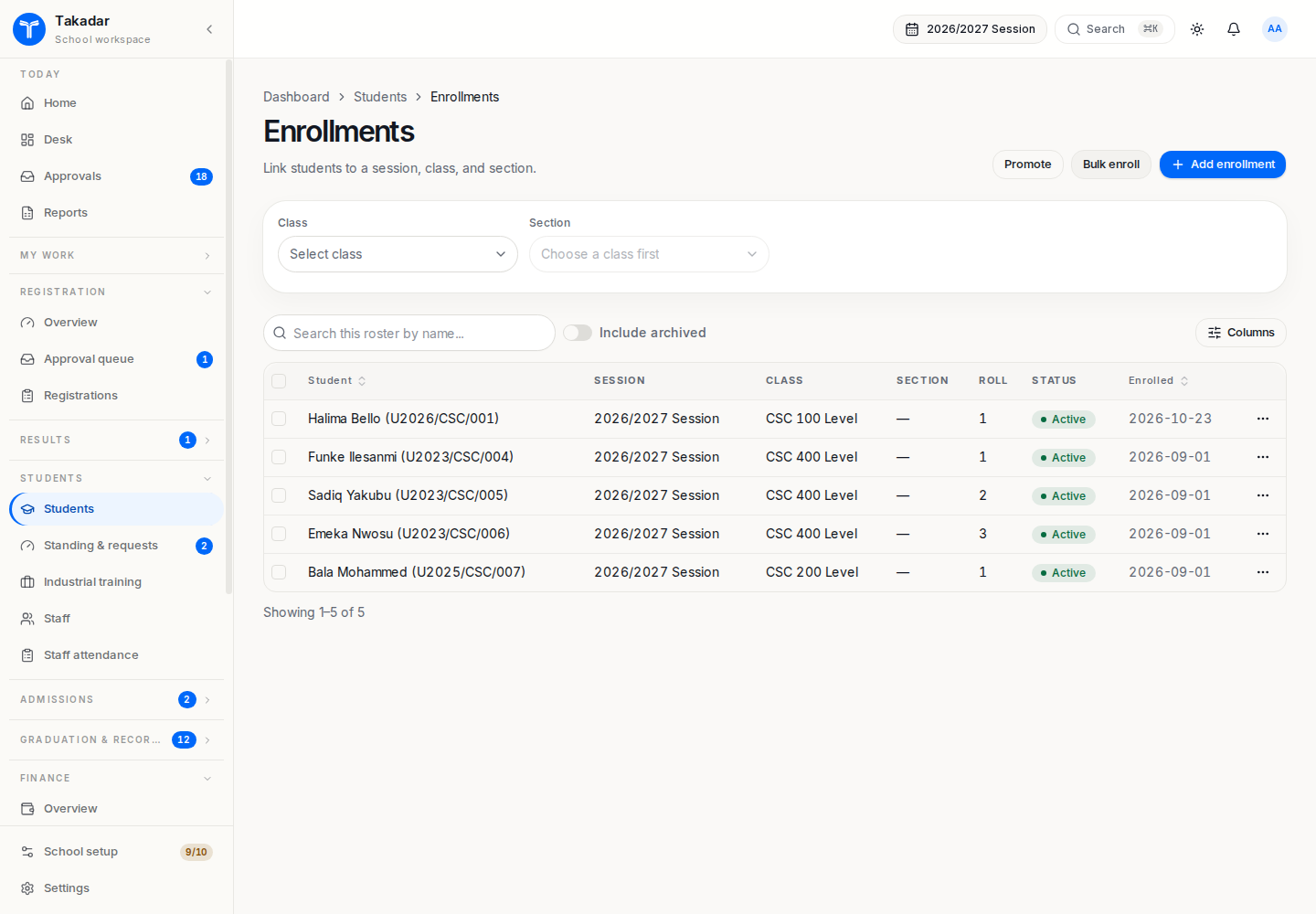
Verify the programme level, working session and joining term. A saved enrollment places the student in the cohort; it does not finalize a course basket.
Confirm readiness with your team
Review registration windows, programme credit loads and prerequisites as well as grading and fees. Fee-plan activation bills matching students, so review targets and installments before activation. Check the payment method and payout arrangements before expecting online collection.
Run one representative path with permitted test records: find a student’s placement and offerings, inspect the bill, enter a sample assessment and check the portal. Readiness indicators do not replace this review.
Continue with academic structure, admissions, course registration and student records.