Classes, programmes and offerings
Define the structure students belong to and the subjects or courses they can take.
Set up the institution’s structure before placing students or entering results. Configuration requires academic.configure; teaching and read access do not imply this right.
Model the institution
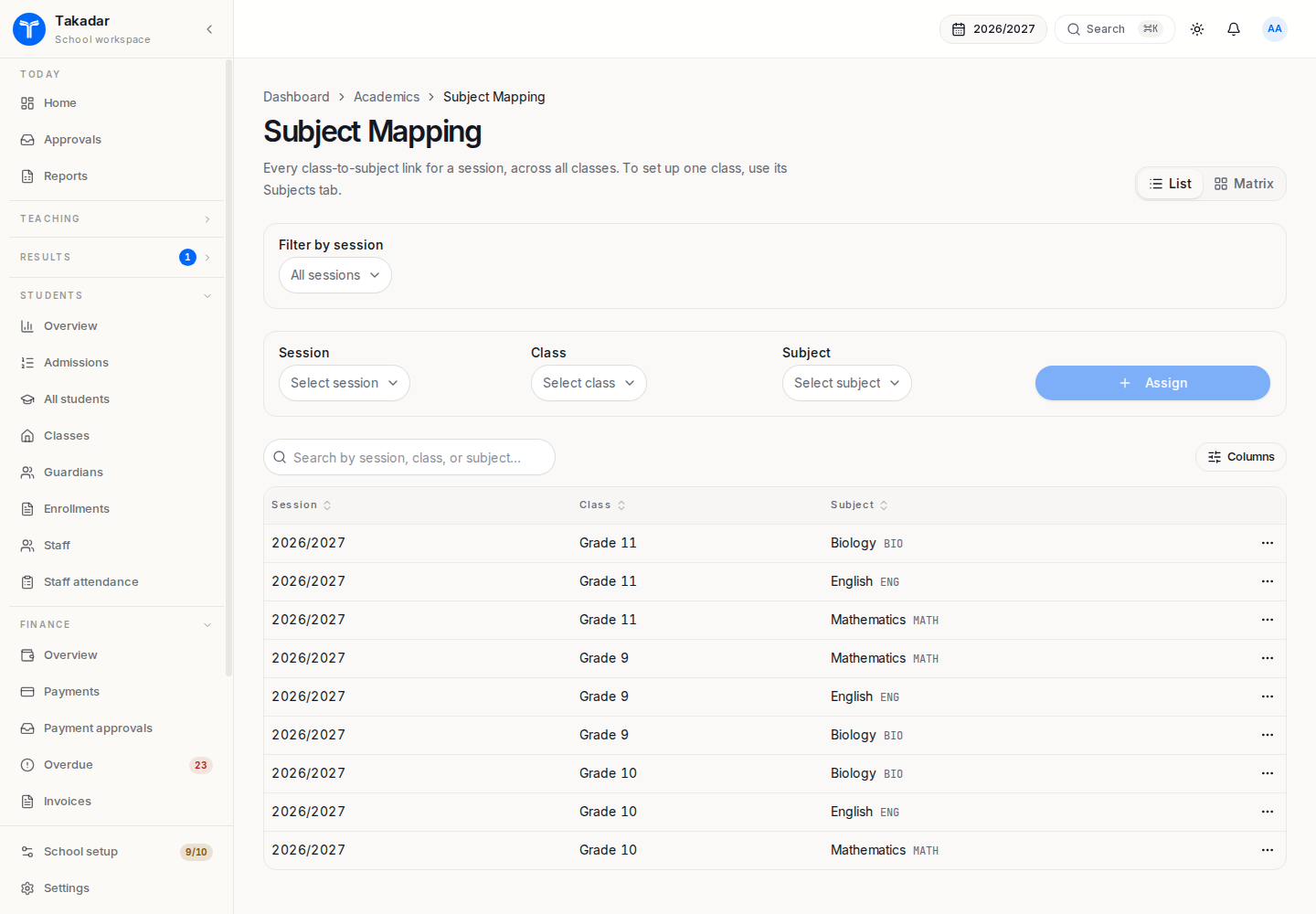
For a school, define classes, their sections and subjects. Add subject departments where needed for departmental responsibility. Allocate a form teacher and subject teachers for the session.
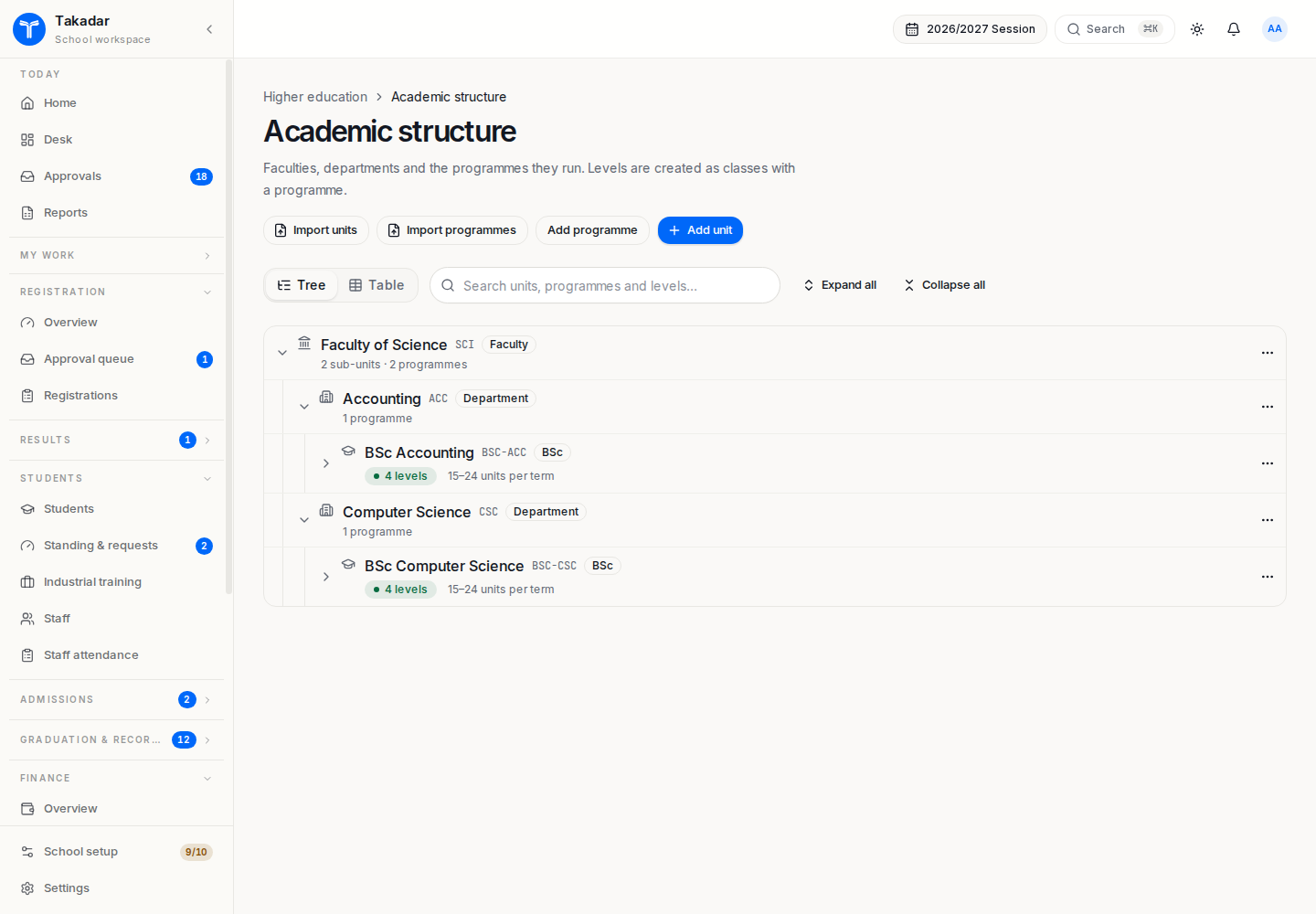
For higher education, define the faculty and department tree, programmes and their levels. Set the programme’s award, duration and relevant admission and credit-load rules. A level belongs to a programme: “200 level” in one programme is distinct from “200 level” in another.
The programme’s award determines the applicable regulator-rule family. Do not select grading and admission rules merely from the institution’s name or type. Review local policy before relying on editable defaults.
Offer a subject or course
A catalogue entry describes a subject or course. An offering connects it to a class or programme level in a session and, where appropriate, a term. Allocate teachers or lecturers to that offering.
In higher education, set credit units on each course that contributes to credit-weighted GPA. A course without credit units cannot be registered through the higher education basket. Offerings also supply the context for prerequisites, capacity, timetable conflicts and lecturer score entry.
Regular, sandwich and affiliated programmes
Sandwich delivery is configured on the programme and follows sandwich term tracks. An affiliated programme can identify its awarding institution. Offering the same discipline in different modes can require separate programmes, because fees, loads, windows and duration follow the programme.
Part-time enrollment selects the student’s applicable load bounds; it is separate from a programme’s regular or sandwich delivery mode. Dedicated distance-learning programme delivery and an awarding institution’s separate Senate approval ladder are not provided by these settings.
After changing structure, inspect offerings and allocations in the working session before opening admissions or registration.
In the demonstration application
These captures use synthetic seeded records. Select an image for the full-size view.